Generating Detailed Images with OpenAI DALL-E and ChatGPT in Python: A Step-By-Step API Tutorial
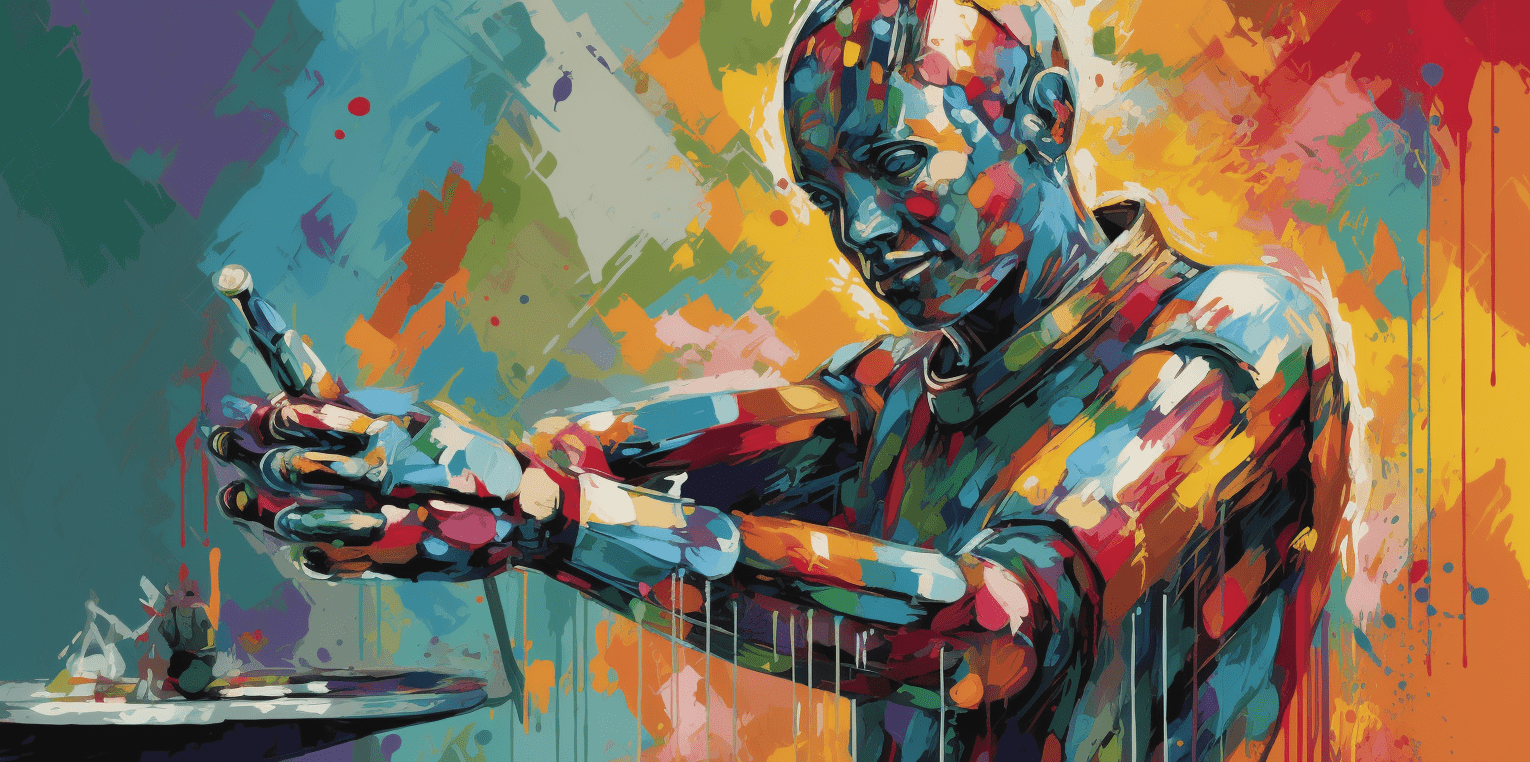
Prompt augmentation turns a short visual idea into a more detailed image instruction before calling an image model. This updated tutorial uses the current OpenAI client, keeps billable calls behind an explicit opt-in flag, and runs by default with deterministic image fixtures.
Configure offline or live mode
LIVE_API = os.getenv("RUN_LIVE_OPENAI", "0") == "1"No credential file is embedded in the notebook. In live mode the OpenAI SDK reads OPENAI_API_KEY from the environment.
Expand the prompt
from openai import OpenAI

response = OpenAI().responses.create(
    model=os.getenv("OPENAI_TEXT_MODEL", "gpt-4.1-mini"),
    input=(
        "Write one concise image prompt with subject, composition, "
        f"lighting, and medium. Topic: {topic}. Style: {style}."
    ),
)
generated_prompt = response.output_text.strip()
This replaces the retired Completion endpoint and text-davinci-003. The image adapter uses OpenAI().images.generate(...); offline mode creates procedural fixtures with the same downstream display and save path.
Generated media should be reviewed before publication. Check factual claims, model and platform policies, provenance requirements, usage rights, and accessibility text. Live calls can incur cost, so keep model names and spending limits configurable.